
2.1.2 Digital Textbook
The Digital Textbook
2.1.2
Section 2 — School Curriculum
The Digital Textbook
The digital textbook (Edmentum Courseware) is where your course content lives. This page walks you through the Course Path, the lesson tools, and what to expect from graded activities.
Logging in
Access the digital textbook through the link on your Calvary course page (or directly at login.edmentum.com). Use the same username and password as your Calvary login. Your homepage shows all your enrolled courses as cards — click a course card to open it.
The Course Path page
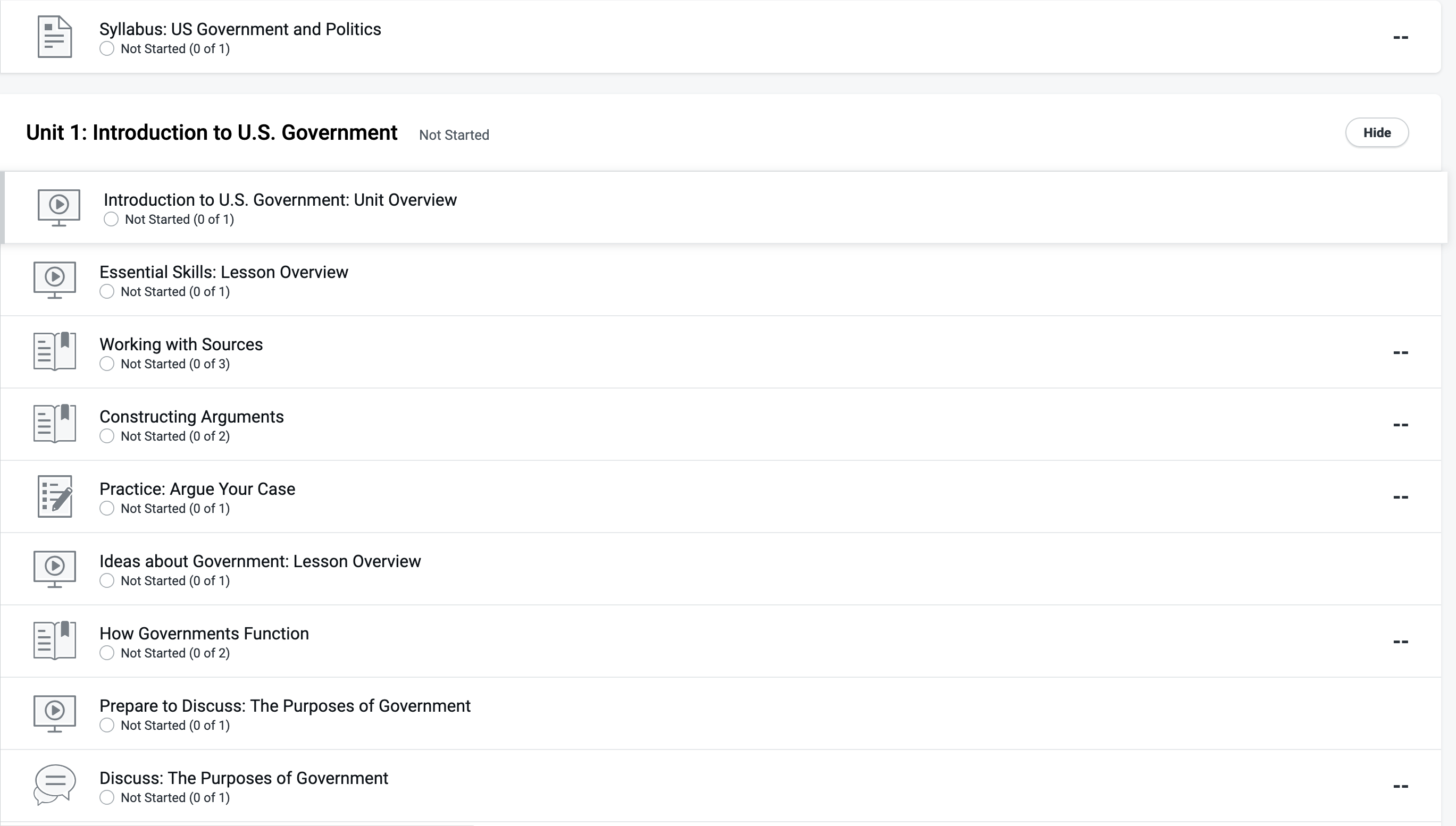
When you open a course, you land on the Course Path — a list of every activity in the course. Three things to know how to read:
- The pacing bar at the top shows how far you have progressed. This is a good reference, but your actual pacing is assigned on the Calvary course page.
- Filters let you plan your work: Weekly Target, Past Target, Not Started, In Progress, Not Mastered, and Complete.
- Scores appear along the right side of each activity.
Navigating by ULA
Click a unit to expand it and find the specific ULA number assigned on your Calvary course page. Then select the activity and press Play on the launch screen to begin.
Inside a tutorial: your toolbar
Every tutorial has a toolbar on the left side with tools that support your learning. When you are done working, always use the exit button in the top-right corner so your progress saves.
- Contents — jump to any part of the lesson
- Guided notes — note-taking pages that follow the lesson
- Reading tools — Text to Speech reads a whole slide aloud, Select to Speak reads one sentence you click, and Translation displays the slide in another language (answers must still be written in English; not available in every course)
- Highlighter and dictionary — mark up text and look up words without leaving the lesson
Graded vs. ungraded activities
| Activity type | How to identify it | What to know |
|---|---|---|
| Ungraded (tutorials, study guides, checkups) | No point value shown next to the ULA in the sidebar | Still important for learning — these build the knowledge you will need to defend in your meeting. Do not skip them. |
| Graded (mastery tests, quizzes, tests) | Point value shown next to the ULA | One attempt only. Enter fully prepared. Mastery tests check the tutorial’s key concepts — the questions are like the knowledge checks, but with no feedback hints. All grades are final. |
| Written assignments (Practices, etc.) | Point value shown, PDF directions on screen | Copy the PDF, paste into Google Docs or Word, answer in a different font color, save as the ULA title, submit via Calvary course upload. See 2.1.5. |
One attempt only —
Graded activities have one attempt at CPA, even where Edmentum’s general materials mention retakes. Do not open a quiz or test until you are ready. Your teacher will only allow you to retake three quizzes per semester in each class. Make sure to take them seriously.
Locked activities
Some content appears grayed out. That usually means one of three things: you need to complete an earlier activity first, you need to finish the tutorial before its mastery test unlocks, or your teacher has locked it intentionally. If you reach a locked activity and cannot get past it, message your teacher.
Study guides
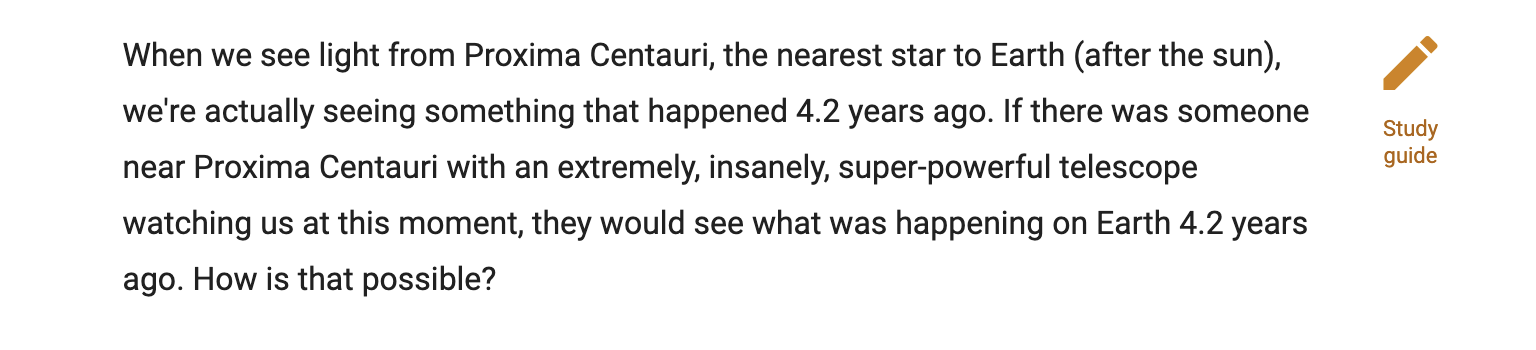
Many lessons include a study guide — click the orange pencil icon in the top-right corner of the lesson. You can print it or copy it into a word processor. Answers are revealed after you have viewed all pages of the lesson. Use study guides. Students who do consistently outperform those who skip them.
Messages and alerts
These Edmentum features are not used at CPA and can be ignored. To contact your teacher, send them an email.
Tracking completion
The digital textbook has its own completion indicators, and your Calvary page has “Mark as done” checkboxes. The Calvary checkboxes are personal tracking tools only — they do not send a completion signal to your teacher or count as official submission. Submitting your work and attending your scheduled meeting are the only things that officially count.